The agreement,
Which have results.
Planning, visualization and editing are tied to a specific option. The customer's decision remains in the project.
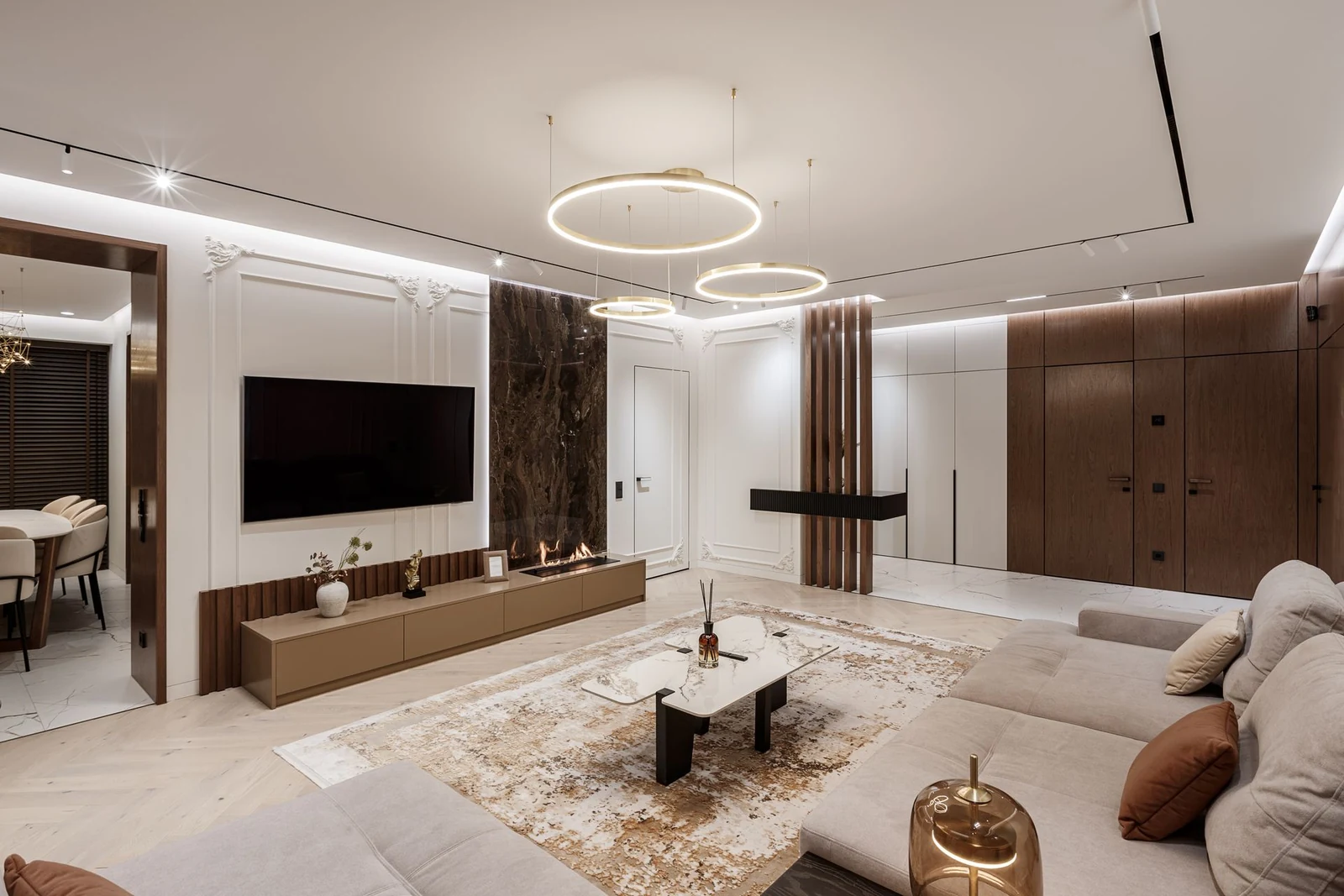
Living room / Option 02
Visualizations are agreedSolution tied to option
From brief to delivery of the object: team tasks, customer agreement, specifications and finances are in the project card. Less search in chats, more control over work.
For your own practice and team. The demo request does not subscribe.Your ideas take shape
Open the project and try to agree.
All actions in this review are demonstrational.
You know?
Choose a familiar situation —
Let’s show how it is solved RoomyCRM.
Comments and consents are kept close to a specific option.
How approvals workPayments, expenses and payments to the team are collected in CRM. The fact and forecast are visible separately.
How to Control FinancesGoods from the clipper and library fall into the project specification.
From product to specificationThe team sees a common plan, responsible and deadlines in the project.
How to organize a team01 / Features
Work on the spaces.
Keep the processes in order.
Planning, visualization and editing are tied to a specific option. The customer's decision remains in the project.
All projects, payments to the team and company expenses. Fact and forecast — separately, so that decisions are based on figures.
Tasks, responsible, timing and Gantt chart. Everyone knows their next step.
Tasks / deadlines / downloadsStore the goods with a clipper, collect selection and prepare specifications for the project.
Clipper / Library / pdf and excelDocuments, estimates, acts and reports of supervision next to the materials of the project.
Drawing / supervision / repair02 How it works
You know the process.
Now in one space.
Application, brief and agreements with the customer.
Stages, materials and an understandable work plan.
Responsible, tasks and common timelines.
Options, edits and fixed decisions.
Final documents, payments and transfer.
Turn on the appropriate sections for those projects where they are needed.
03 / FOR YOUR TEAM
See the whole picture.
Focus on your work.
Being a participant in the process.
Access rights determine what each participant sees. Internal discussion and materials for the client have a separate visibility.
Your identity / your space
Three templates. Architectural fonts.
Own colors and logo.
Try the design here. The name, colors and loaded logo in this example remain only on the page.
Дизайн · архітектура · ремонт
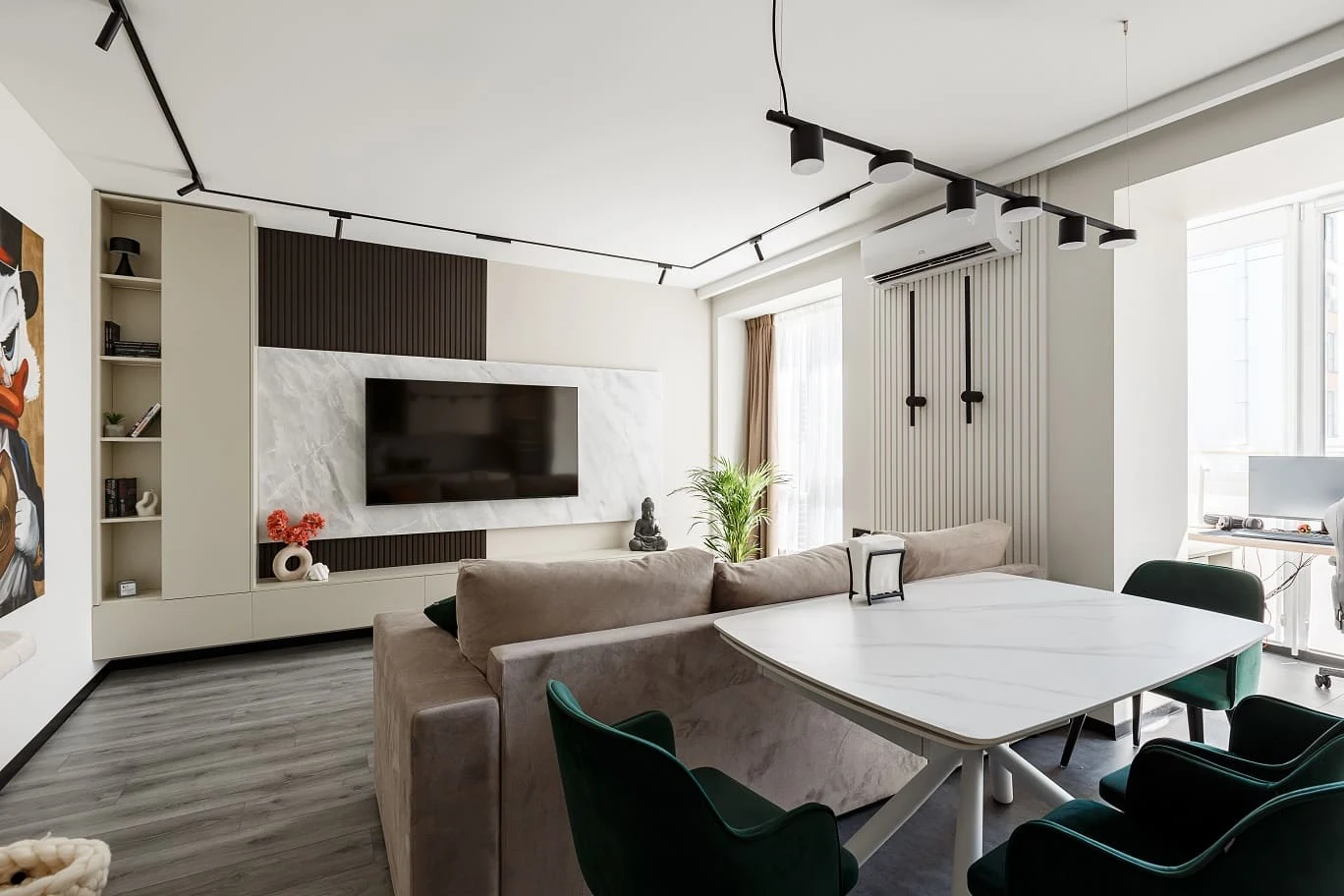
Everything in its place
 Ваша компаніяCustomer's office
Space Architecture
Abbg deizii 0123456789 Ваша компанія
Дизайн · архітектура · ремонт
Project team
Ваша компаніяДизайн · архітектура · ремонт
Project team
Personal design of the workspace and the customer's office.
 FROM IDEA
We built RoomyCRM while working on design projects. It brings together project materials, client feedback, specifications, tasks and finances.
For designers and design studios, architects and architectural bureaus, repair and construction companies. You can conduct your own practice or work with a team: from brief and design to complete, design supervision and repair.
Materials and sections to which the team has opened access: planning, visualizations, specifications, documents and its payments. Internal comments, company finances and payments to the team have separate access rights.
Repair is turned on separately for the desired project. For a design project, you can leave a brief, planning, concept, visualization, drawing and equipment.
Yes, the web interface adapts to the phone, tablet and computer. CRM can be added to the main screen as a web application. We check the availability of individual functions of the device during connection.
Select Solo, Studio or Business and specify the number of employees in the tariff calculator. The owner is added as one place; customer offices - without a separate fee. You will see the total amount and average price per participant. We agree on the terms of connection separately; an agreed account in UAH can be paid through mono. There are no automatic debits.
Downloading access information…
Dating and Early Access
Tell us how you are leading projects now. We will discuss tasks, approval, specifications and finances that are important to your team at the demo.
Book a demoLeave a contact — we will agree on a convenient time for the demonstration. Sending an application does not make a subscription.Leave a contact and briefly describe your work. We will agree on the time and show you the tools you need.
Sending a request does not create a subscription and does not write off funds.